
LEARN THE SKILLS
Using social media with your website
Social media can help people discover your business, but your website should remain the main place for your important business information. The two should work together.
Why your website and social media should work together
Social media is useful for visibility, updates and engagement.
Your website is better for:
Full service information
Contact details
Enquiry forms
Pricing or package details
Policies
Booking information
Trust and credibility
A social media page can change quickly. Your website gives you one main place to keep your business information clear and organised.
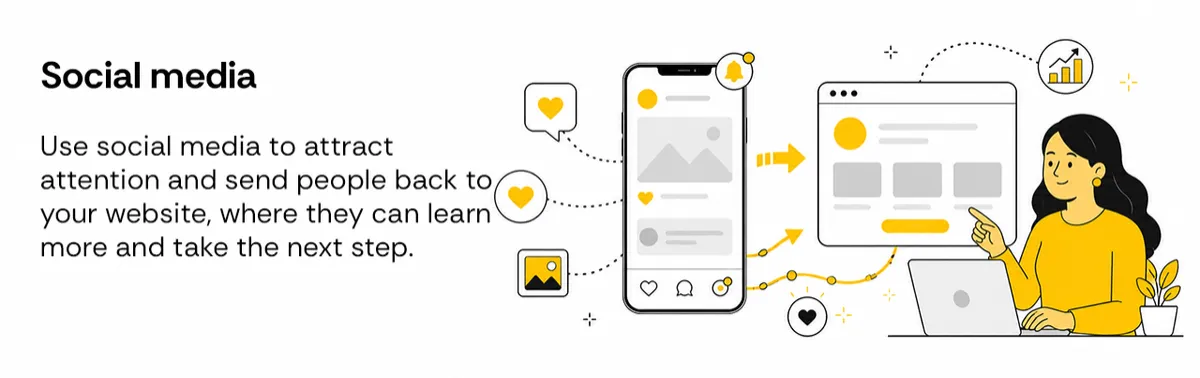
Think of social media as a pathway
A simple way to use social media is to guide people from social media to your website.
For example, a social post can:
Show a new product
Share a recent project
Explain a useful tip
Announce a new service
Promote an offer
Invite people to learn more
Then the website gives the full detail. This helps customers move from interest to action.
Keep your business information consistent
Your social media pages and website should match.
Check that the following details are consistent across both:
Business name
Phone number
Email address
Website link
Service area
Opening hours
Main services
Branding style
If the information is different, customers may get confused or lose confidence.
Link your social media to your website
If you use social media, make sure your website links to your active profiles.
You might link to:
Facebook
Instagram
LinkedIn
TikTok
YouTube
Only link to profiles you actively use. If a page is old or no longer relevant, it is better not to link to it.
Link your website from your social profiles
Your social profile should also link back to your website. This helps customers move from your profile to your services, enquiry page or booking page. A website link on your profile is especially useful because it gives customers one clear next step.
Share content that supports your business
Your posts should support the goals of your website.
Useful social media content may include:
Recent work
Product highlights
Customer tips
Before and after examples
Seasonal reminders
Business updates
New services
Questions and answers
Try to connect posts back to a useful website page where possible.
For example:
A post about a new service can link to the service page
A post about business hours can link to the contact page
A post showing your work can link to your gallery or enquiry page
Do not rely only on social media
Some businesses depend too heavily on social media and do not keep their website updated.
This can be risky because:
Social posts are easy to miss
Information can get buried over time
Platforms can change
Customers may not use the same platform
Important details may be incomplete
Your website should remain your main business reference point.
Keep your branding consistent
Your website and social media should feel connected.
You can create consistency by using:
Similar colours
Similar logo use
Similar tone of voice
Similar business description
Similar photo style
This helps customers recognise your business more easily.
Make it easy for customers to take the next step
If someone finds you on social media, they should be able to move easily to the next step.
This may be to:
Visit your website
Send an enquiry
Request a quote
Book a service
Learn more about a product
Read more about a service
Think about where each post should lead.
Review what is working
Over time, check what kinds of social posts lead to useful website visits or enquiries.
Ask yourself:
Which posts get the most interest?
Which posts lead people to the website?
Which services get the most attention?
Are people clicking through to the right page?
Are enquiries increasing after certain posts?
This helps you create more useful content in the future.
Quick checklist
Check that:
Your social profiles match your website details
Your website links to active social pages
Your social profiles link back to your website
Your branding feels consistent
Your posts support your business goals
Your website stays more detailed than your social pages
Customers can easily take the next step
You review what is working over time
Suggested task
Review one social media profile and your website together.
Use this structure:
Is the business name consistent: Yes or no.
Are contact details consistent: Yes or no.
Does the social profile link to the website: Yes or no.
Does the website link to the social profile: Yes or no.
What content could link back to the website better: Add your notes.
One improvement I will make first: Add your next step.
Related topics

MTC FutureReady acknowledges the Traditional Custodians of the lands on which we live, meet and work, and pays respect to Elders past and present. We are committed to walking together in meaningful reconciliation.
Explore
Learn & build
get in touch
© 2027 MTC Digital · BusinessReady — a learning resource