
LEARN THE SKILLS
Online safety and privacy
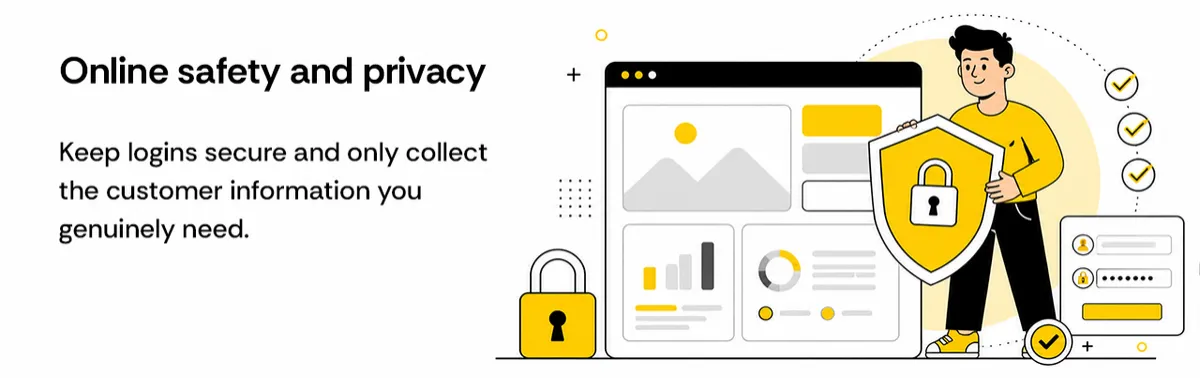
Your website may collect customer details, receive enquiries and connect to important business accounts. Keeping it safe protects your business, your customers and your reputation.
Why online safety is critical
Small businesses can still be targets for scams, fake messages and account access attempts.
A website can also create risk if it collects too much customer information or if login details are not kept safe.
Good online safety helps you:
Protect customer information
Keep your website access secure
Avoid fake emails and scam messages
Reduce the risk of account misuse
Build trust with customers
You do not need to be a technical expert. Start with simple habits and use them every time.
Use strong passwords
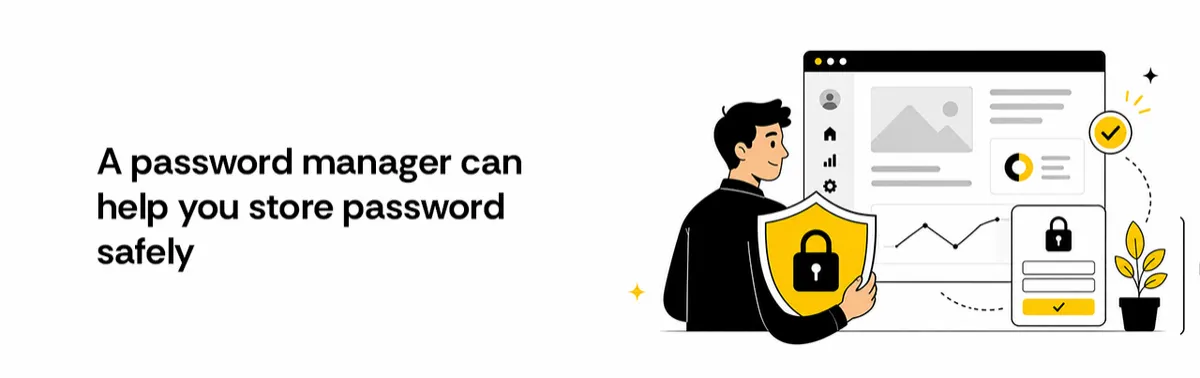
Use a strong, different password for each important account.
This includes your:
Website editor
Domain account
Business email
Social media accounts
Online booking tools
Payment or invoice systems
Do not reuse the same password across business accounts.
A strong password should be:
Long
Hard to guess
Different from your personal passwords
Not based on your business name, birthday, pet name or phone number
Turn on multi-factor authentication
Multi-factor authentication adds an extra step when you log in. This may be a code, app notification or security prompt.
Turn it on for important accounts where available.
Start with:
Business email
Website editor
Domain account
Social media accounts
Banking and payment accounts
This makes it harder for someone to access your account if they get your password.
Watch for phishing messages
Phishing is when someone tries to trick you into giving away information or clicking a harmful link.
These messages may look like they come from:
Your bank
Your website provider
Your domain provider
A delivery company
A government agency
A customer
Be careful if a message:
Creates pressure or panic
Says your account will close today
Asks for your password
Asks you to click an unexpected link
Has spelling errors or unusual wording
Comes from an email address that looks wrong
Do not click links in suspicious messages. Open the official website yourself or contact the provider through details you already trust.
Keep your contact forms simple
Only ask customers for information you genuinely need.
For most small business enquiry forms, this may be enough:
Name
Email address
Phone number
Short message
Preferred service or product
Avoid asking for sensitive or high-risk information through a basic website form.
Do not ask for:
Bank details
Card details
Tax file numbers
Government ID numbers
Health or medical information
Detailed personal histories
Passwords
If you need sensitive information for your business, get proper advice before collecting it online.
Tell customers what happens to their information
If your website collects customer details, customers should understand why. Use simple wording near your form.
Example:
We collect your name, phone number and message so we can respond to your enquiry.
Your website should also have a privacy policy if required for your business or if you collect personal information.
Keep privacy wording clear and easy to find.
Keep your website information accurate
Online safety is also about trust. Make sure your website does not mislead customers.
Check that your website has accurate:
Business name
ABN, if shown
Contact details
Service descriptions
Prices, if shown
Availability
Locations served
Terms, conditions or important limits
Do not use claims you cannot support.
Avoid statements such as:
Guaranteed results
Lowest price
Best in the area
Officially approved
Risk free
Use clear facts instead.
Limit who has access
Only give website access to people who need it. If someone helps you with your website, give them the lowest access they need to do the task. Remove access when they no longer help your business.
This includes:
Former staff
Friends or family who helped during setup
Contractors
Designers
Marketing helpers
Keep a simple list of who has access to your business accounts.
Keep devices and software updated
Your laptop, phone and browser should be kept up to date. Updates often fix security problems.
Good habits include:
Turn on automatic updates
Use antivirus software where suitable
Keep your browser updated
Do not install unknown software
Avoid public Wi-Fi for business account logins
Lock your device when not in use
Know what to do if something looks wrong
Act quickly if you notice a problem.
Warning signs may include:
You cannot log in
Your password has changed
Pages look different without your approval
Customers receive strange messages from your business
Forms stop working
Suspicious links appear on your website
You receive login alerts you do not recognise
If this happens:
Change your password
Check account recovery details
Turn on multi-factor authentication if it is not already on
Check who has access
Contact your website or account provider
Tell affected customers if needed
Ask for help if personal information may be involved
Quick checklist
Check that you have:
Strong, different passwords
Multi-factor authentication turned on
Secure access to your domain account
A simple enquiry form
No unnecessary sensitive information collected
Clear privacy wording where needed
Accurate business information
Limited account access
Updated devices and browser
A plan if something looks suspicious
Suggested task
Review your website contact form.
Write down:
What information does the form collect? [List each field]
Do I genuinely need each field? [Yes or no for each field]
Does the form ask for sensitive information? [Yes or no]
Is there a short privacy note near the form? [Yes or no]
What do I need to change? [Add your next step]
Related topics

MTC FutureReady acknowledges the Traditional Custodians of the lands on which we live, meet and work, and pays respect to Elders past and present. We are committed to walking together in meaningful reconciliation.
Explore
Learn & build
get in touch
© 2027 MTC Digital · BusinessReady — a learning resource