
LEARN THE SKILLS
Your Google Business Profile
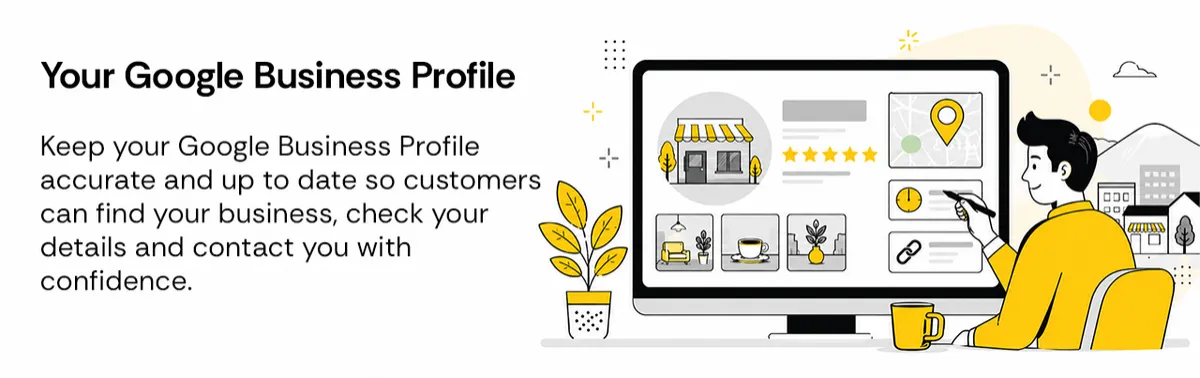
A Google Business Profile helps your business appear on Google Search and Google Maps. It can show your business name, contact details, opening hours, photos, reviews and website link.
What a Google Business Profile is
A Google Business Profile is a business listing that appears on Google. It can help customers find key information quickly, such as:
Business name
Business category
Address or service area
Phone number
Website link
Opening hours
Photos
Reviews
Updates
It is useful for local businesses, mobile services, service-area businesses, shops, trades, health and wellness services, food businesses and many other small businesses.
Why your Google Profile is important
Many customers search for local businesses on Google.
They may search for:
Cafe near me
Hairdresser in Marrickville
Mobile mechanic near me
Cleaner in Parramatta
Business coach Sydney
A clear and accurate profile can help customers decide whether to contact you. It also gives customers a quick way to call, visit your website, check your hours or get directions.
Check if your business is suitable
A Google Business Profile is not suitable for every situation. It is usually most useful when customers can contact or visit a real business, or when the business provides services in a defined area.
Before setting up a profile, check that:
Your business name is ready
Your contact details are accurate
You know your business category
You have a real address or service area
You can receive customer enquiries
You can keep the profile up to date
Do not create a profile with false or misleading details.
Use your real business name
Use the name your business uses in the real world. Do not add extra keywords just to appear in more searches.
Less suitable:
Bright Garden Care Best Cheap Lawn Mowing Sydney
More suitable:
Bright Garden Care
Your business name should match your website, business documents and customer-facing material.
Choose the right business category
Your category helps Google and customers understand what your business does. Choose the category that best describes your main business activity.
Examples:
Hairdresser
Bookkeeper
Landscaper
Cafe
Personal trainer
Electrician
Cleaning service
Do not choose a category only because it sounds popular. Use the one that fits your actual business.
Add accurate contact details
Your profile should make it easy for customers to reach you.
Check that your profile includes the right:
Phone number
Website link
Opening hours
Service area
Address, if customers visit you
Appointment link, if used
Make sure these details match your website. If your opening hours change for holidays, update them.
Add your website link
Your Google Business Profile should link to your website. This helps customers learn more before they contact you.
Make sure the link goes to a useful page. For most businesses, this will be the home page or contact page.
If you take bookings online, you may also use a booking page where suitable. Test the link after adding it.
Add clear photos
Photos help customers understand your business.
Good photo options include:
Logo
Shopfront or workspace
Products
Finished work
Team photos, if appropriate
Service examples
Vehicle or equipment photos
Food, displays or treatment rooms, if relevant
Use clear, current photos. Do not use images you do not have permission to use.
Ask for reviews in the right way
Reviews can help build trust. You can ask genuine customers to leave a review after you have provided a product or service.
Keep the request simple.
Example:
Thank you for choosing our business. If you were happy with the service, you are welcome to leave us a Google review.
Do not pressure customers.
Do not offer rewards for positive reviews.
Do not write fake reviews.
Respond to reviews professionally
Responding to reviews shows that your business is active and attentive.
For positive reviews:
Thank the customer
Keep it short
Mention the service if appropriate
Example:
Thanks for your kind review. We are glad you were happy with the garden clean-up.
For negative reviews:
Stay calm
Thank them for the feedback
Avoid arguing online
Offer to discuss the issue privately
Example:
Thank you for your feedback. We are sorry to hear this and would like to understand what happened. Please contact us so we can review the matter.
Use updates when useful
Some profiles allow posts or updates. Use these when you have something useful to share.
Examples:
New service
Changed hours
Seasonal offer
Event
Booking reminder
Important business update
Keep updates clear and current. Remove or replace information that is no longer correct.
Keep your profile current
Your profile should not be set up once and forgotten. Review it regularly.
Check:
Opening hours
Phone number
Website link
Service area
Photos
Business description
Reviews
Messages or enquiries, if enabled
A profile with old information can frustrate customers.
Quick checklist
Check that your Google Business Profile has:
Correct business name
Correct category
Accurate phone number
Working website link
Correct address or service area
Current opening hours
Clear photos
A useful business description
Reviews monitored
Updates reviewed regularly
Suggested task
Review your Google Business Profile or prepare the information needed to create one.
Write down:
Business name: Add your business name.
Main category: Add your best-fit category.
Phone number: Add your business number.
Website link: Add your website link.
Service area or address: Add your area or address.
Opening hours: Add your hours.
Photos I can add: List three photos.
What needs to be updated? Add your notes.
Related topics

MTC FutureReady acknowledges the Traditional Custodians of the lands on which we live, meet and work, and pays respect to Elders past and present. We are committed to walking together in meaningful reconciliation.
Explore
Learn & build
get in touch
© 2027 MTC Digital · BusinessReady — a learning resource